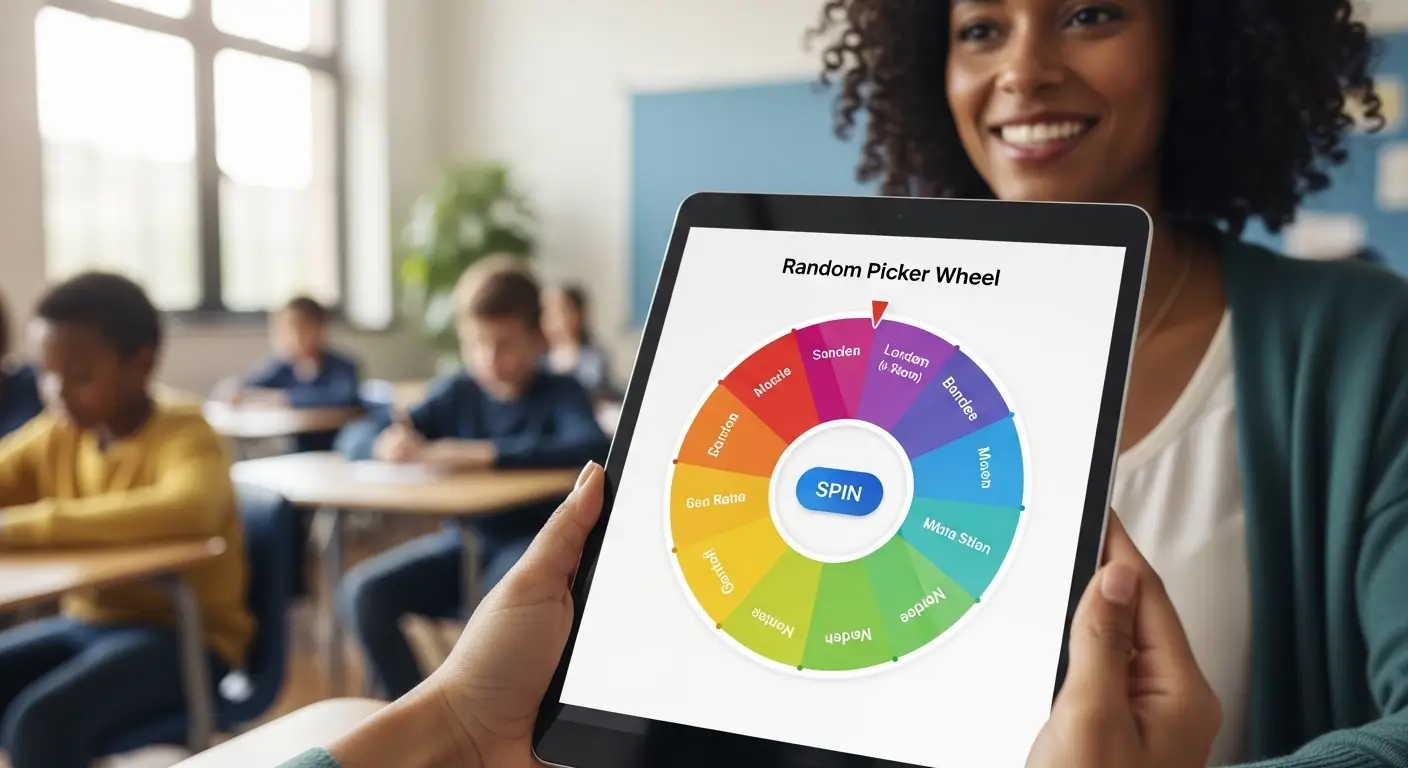
Free Random Picker Wheel for Teachers and Teams
A Picker Wheel is a simple online tool that helps teachers, teams, and groups make random selections in a fair and visual way. Instead of choosing names by hand, writing options on paper, or spending time deciding who should go first, you can add entries to a spinning wheel and let it choose one result.
This guide explains how a Picker Wheel works, why it is useful for classrooms and teams, and how you can use it for student selection, team tasks, meeting turns, games, activities, giveaways, and everyday decisions. The goal is to help beginners understand the tool clearly and use it with confidence.
What Is a Random Name Wheel?
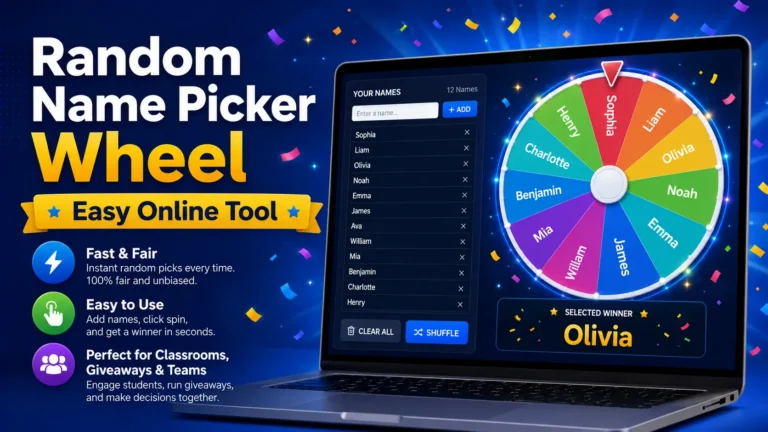
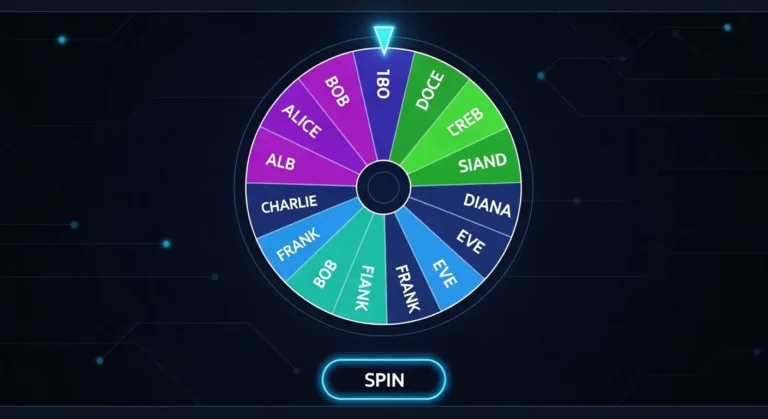
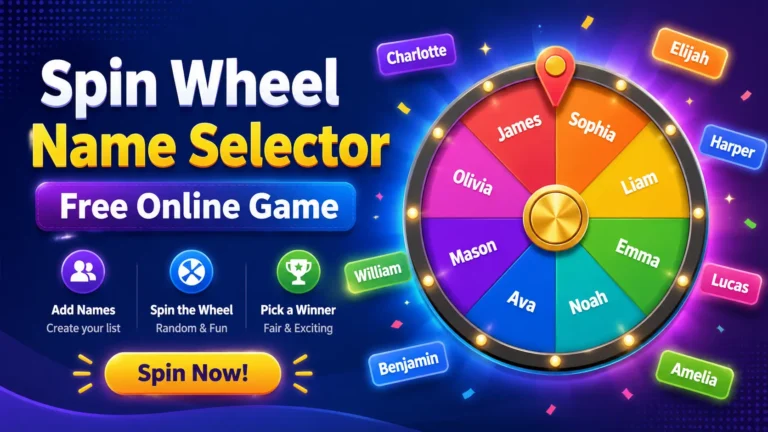
A random name wheel is an online spinner that lets you enter names, topics, tasks, numbers, or choices. Each entry appears as a section on the wheel. When you press the spin button, the wheel rotates and stops on one random result.
The tool is popular because it is easy to understand. People can see the wheel moving, watch the result appear, and trust that the selection was not made secretly. This makes it useful in places where fairness matters, such as classrooms, offices, events, and group activities.
Teachers can use it to choose students. Team leaders can use it to assign small tasks. Families can use it to pick chores or games. Event hosts can use it to choose winners or participants. The same basic idea works in many situations.
Why a Picker Wheel Helps Teachers and Teams
A Picker Wheel helps because it turns a simple selection into a clear and fair process. When people are selected manually, others may feel that the same person is chosen too often or that the decision is based on personal preference. A spinning wheel reduces that concern by showing the process openly.
It also saves time. In a classroom, a teacher may need to pick a student quickly. In a team meeting, a manager may need to choose who gives the first update. In both cases, the wheel gives a fast result without long discussion.
The visual movement also makes the process more engaging. People naturally pay attention when the wheel spins. This can be useful for students, remote teams, workshops, training sessions, and casual group games.
How a Picker Wheel Works
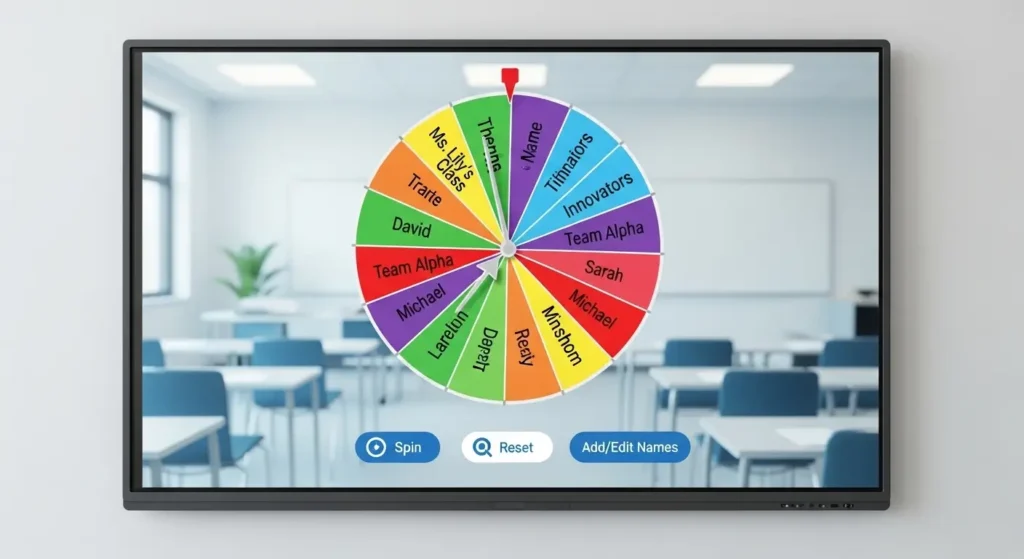
A Picker Wheel works by turning your list of entries into wheel sections. Each name or option becomes one part of the circle. When you spin it, the wheel rotates and slowly stops on one entry.
The selected result is usually displayed clearly on the screen. Some tools also allow you to remove the selected entry, spin again, shuffle the list, or reset everything for a new round.
| Step | What You Do | Why It Matters |
|---|---|---|
| 1 | Add names or options | Builds the spinner list |
| 2 | Review entries | Helps avoid mistakes |
| 3 | Press spin | Starts the random selection |
| 4 | Read the result | Shows the chosen entry |
| 5 | Keep or remove result | Helps manage more rounds |
This simple process makes the tool easy for beginners, teachers, students, office teams, and event organizers.
Benefits of a Picker Wheel for Teachers
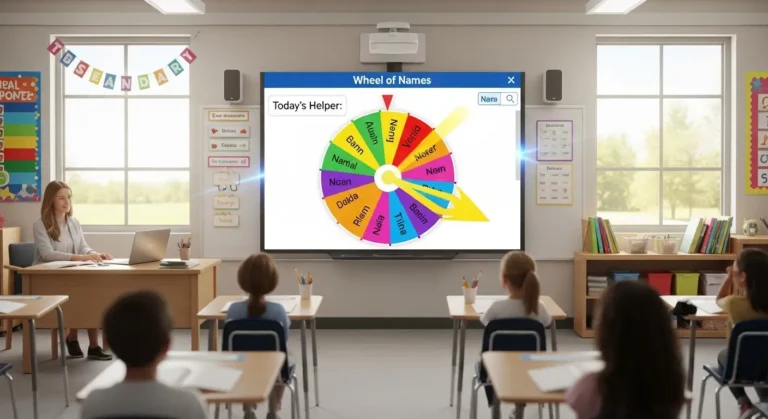
A Picker Wheel can improve classroom activities by making participation more balanced and fun. Teachers often need to choose students for questions, reading, presentations, classroom jobs, group tasks, or review games. A random wheel makes these choices easier.
Fair Student Selection
In many classrooms, some students answer often while others stay quiet. A random selector gives every listed student a chance to participate. This helps teachers involve more learners without always calling on the same group.
It can also reduce pressure on the teacher. Instead of deciding who should answer next, the teacher can let the wheel choose. Students can see that the result is random, which makes the process feel more balanced.
Better Classroom Engagement
Students enjoy interactive tools. When the wheel spins, the class watches and waits for the result. This small moment of suspense can make normal classroom tasks feel more exciting.
For example, a teacher can use the wheel during a vocabulary review. Each selected student gives an answer, reads a sentence, or explains a concept. The activity stays active because students know their names may be chosen.
Easy Group Activities
Teachers can use a random wheel to create groups, select team leaders, choose debate speakers, or assign classroom duties. It works well for quick activities where the teacher does not want to spend extra time organizing names manually.
| Classroom Use | Example |
|---|---|
| Reading turns | Select the next student to read |
| Quiz practice | Choose who answers the next question |
| Group work | Pick team leaders or presenters |
| Classroom jobs | Assign board cleaning or material duties |
| Review games | Select players or question categories |
Benefits of a Picker Wheel for Teams
A Picker Wheel is also useful for office teams, remote workers, project groups, and training sessions. Many team decisions are small but still need to be handled fairly. A random wheel helps make these choices quickly.
Meeting Turn Selection
In meetings, people sometimes wait for someone else to speak first. A random spinner can choose the first speaker, the next presenter, or the order of updates. This keeps the meeting moving and avoids awkward silence.
For example, during a weekly check-in, a team leader can add all team member names and spin to choose the update order. This adds structure without making the meeting feel too strict.
Light Task Assignment
Some tasks are simple and shared equally. A team may need someone to take notes, lead an icebreaker, test a form, or choose the next discussion topic. A random wheel can assign these low-risk tasks fairly.
It should not be used for serious decisions that require skill, seniority, safety, or responsibility. However, for casual or equal tasks, it is a practical option.
Workshop and Training Activities
During training sessions, a spinner can choose participants for role-play, questions, group discussion, or short presentations. This helps trainers keep the room active and avoids choosing only the most confident people.
Smart Ways to Use a Picker Wheel in Class
A Picker Wheel can support many classroom activities when used with a clear purpose. It should not replace good teaching, but it can make participation smoother and more enjoyable.
Choose Students for Questions
Add all student names and spin when you need someone to answer. This is useful during revision, grammar practice, math drills, reading comprehension, or quick oral checks.
To reduce stress, teachers can give students a moment to think before answering. This keeps the activity supportive instead of scary.
Pick Topics for Discussion
The wheel does not need to include only names. It can include discussion topics, story prompts, vocabulary words, debate themes, or lesson questions. Students can spin the wheel and discuss the selected topic.
This method works well for speaking practice, writing prompts, and group discussion tasks.
Create Quick Classroom Games
Teachers can create a wheel with rewards, challenges, questions, or points. For example, a review game wheel may include “answer a question,” “choose a teammate,” “earn two points,” or “try again.”
This adds variety to lessons and makes review sessions less boring.
Smart Ways to Use a Picker Wheel at Work
A Picker Wheel at work can make small decisions faster and more transparent. It is especially useful when all choices are equal and the team simply needs a fair way to decide.
Choose Presentation Order
If several people need to present, add their names and spin to decide the order. This removes the need for debate and keeps the process light.
Select Brainstorming Starters
During brainstorming, the first idea can be the hardest. A spinner can choose who shares first, helping the session begin quickly.
Assign Fun Team Activities
Teams can use a wheel for icebreaker questions, team-building games, lunch choices, or casual Friday activities. It adds a small element of fun without needing complex planning.
Pick Review Topics
A team lead can enter project areas, meeting topics, or training sections. The wheel then chooses what the group should discuss next.
How to Prepare Names Before Using a Picker Wheel
Good results start with a clean list. If your list has missing names, duplicates, spelling mistakes, or unclear labels, the final result may create confusion.
Check for Duplicate Entries
If a name is added twice, that person may have a higher chance of being selected. Remove duplicates unless your rules allow extra entries.
For example, in a classroom, every student should usually appear once. In a giveaway, bonus entries may be allowed, but only if they were explained before the event.
Use Clear Names or Labels
If two people share the same first name, add an initial, group number, or short label. For example, “Ali K.” and “Ali R.” are easier to understand than two entries called “Ali.”
Remove People Who Are Not Included
If someone is absent, unavailable, or not part of the activity, remove their name before spinning. This avoids selecting someone who cannot participate.
Keep Lists Organized
Teachers can keep separate lists for different classes. Team leaders can keep separate lists for different departments or project groups. This saves time and reduces mistakes.
Best Practices for Fair Picker Wheel Results
A fair Picker Wheel experience depends on clear rules and careful list setup. The tool can choose randomly, but the host is responsible for preparing the entries properly.
Explain the Rules First
Before spinning, tell everyone what the result means. Explain whether the selected person will be removed, whether repeat selections are allowed, and what happens if the chosen person is unavailable.
Clear rules help avoid complaints after the result appears.
Show the Wheel When Possible
If you are using the tool in a classroom, meeting, or live activity, display the wheel where people can see it. This makes the process more transparent.
Do Not Change Rules After the Result
Changing the rules after spinning can feel unfair. Set your rules before the first spin and follow them consistently.
Use Random Selection for Equal Choices Only
A random wheel is best when all entries should have an equal chance. For important decisions involving safety, performance, money, or responsibility, use proper judgment and clear criteria.
Common Mistakes to Avoid
Even a simple random spinner can cause problems if used carelessly. Avoid these mistakes for a smoother experience.
Using an Unchecked List
Never spin before reviewing the entries. A wrong name, duplicate, or missing participant can affect trust in the result.
Adding Private Information
Do not add phone numbers, addresses, private emails, or sensitive details. Use safe labels such as first names, initials, usernames, or team names.
Making Every Decision Random
Random selection is useful, but not every decision should be made this way. Use it for turns, games, light tasks, and equal choices.
Ignoring Device Display
If the wheel will be shown to a group, test it first. Make sure the text is readable on the screen, especially if you are using a projector, tablet, or phone.
Online Random Wheel vs Traditional Selection Methods
There are many ways to choose a name or option. Each method has its own purpose. An online spinner is often faster and more visual, while traditional methods may work better when devices are not available.
| Method | Best For | Main Benefit | Limitation |
|---|---|---|---|
| Online random wheel | Classes, teams, games, giveaways | Fast and visual | Needs a device |
| Paper draw | Small offline groups | Simple and physical | Takes more preparation |
| Manual choice | Personal decisions | No setup required | Can feel biased |
| Number generator | Numbered lists | Quick result | Less engaging |
| Rotation list | Regular duties | Predictable order | Not random |
For many classroom and team situations, the online wheel gives the best balance of speed, fairness, and engagement.
Useful Features to Look For
A good random selection tool should be easy to use and comfortable on different devices. Beginners should not need a long guide to start.
Simple Entry Box
The tool should let you paste or type names quickly. This is helpful for teachers with class lists and managers with team lists.
Remove Winner Option
If you need multiple unique results, a remove-winner feature is useful. After one person is selected, their name can be removed before the next spin.
Shuffle Feature
A shuffle option can mix entries before spinning. It adds another layer of variety and can make the process feel more balanced.
Result Display
The final result should appear clearly. A large result message helps everyone see who or what was chosen.
Mobile-Friendly Layout
Many users work from phones or tablets. The tool should be readable and easy to use on small screens.
Practical Examples for Teachers and Teams
Here are simple examples of how random wheels can be used in daily activities.
| User Type | Activity | How the Wheel Helps |
|---|---|---|
| Teacher | Pick a student for review | Makes participation fair |
| Team leader | Choose update order | Keeps meetings organized |
| Trainer | Select a role-play participant | Increases involvement |
| Event host | Pick a giveaway winner | Shows a visible result |
| Parent | Assign chores | Reduces arguments |
| Coach | Choose practice groups | Saves planning time |
These examples show that the tool is flexible enough for learning, work, and everyday activities.
Tips for Better Classroom Use
Teachers can get better results by using the wheel as a supportive tool rather than a pressure tool.
Give Students Thinking Time
If the wheel selects a student for a question, allow a few seconds to think. This makes the activity more comfortable.
Use It for Positive Participation
The wheel should encourage students, not embarrass them. Use it for friendly activities, review games, and balanced involvement.
Rotate Different Lists
Use different lists for different activities. One list may include student names, another may include topics, and another may include classroom rewards.
Combine It With Group Learning
After a name is selected, let the student ask a teammate for help or answer as part of a group. This makes the activity less stressful.
Tips for Better Team Use
Teams should use random selection in a way that supports fairness and respect.
Keep It Light
Use the wheel for simple choices, not sensitive work decisions. It is best for turns, activities, brainstorming, and equal tasks.
Respect Availability
If someone is busy, absent, or not part of the activity, remove their name before spinning.
Use It to Include Quiet Members
A random selection tool can help quieter team members join discussions. Keep the environment friendly so everyone feels comfortable speaking.
Set Clear Boundaries
Tell the team what the wheel will and will not decide. This keeps expectations clear.
FAQ About Random Selection Wheels
What is a Picker Wheel used for?
A Picker Wheel is used to choose names, tasks, topics, teams, winners, or options randomly. It is helpful for classrooms, meetings, games, workshops, and group activities.
Is a Picker Wheel fair for teachers?
Yes, it can be fair when every student is added once and the list is checked before spinning. Teachers should also explain the rules so students understand the process.
Can teams use a Picker Wheel for meetings?
Yes, teams can use it to choose speaking order, presentation turns, icebreaker participants, or light shared tasks. It works best for simple decisions where all choices are equal.
How do I prepare a list for a Picker Wheel?
Add only valid names or options, remove unwanted duplicates, check spelling, and use clear labels. If someone is absent or not eligible, remove them before spinning.
Can a Picker Wheel be used for giveaways?
Yes, it can be used for giveaways when the participant list is accurate and follows the entry rules. The host should review entries first and show the result clearly.
Conclusion
A Picker Wheel is a helpful tool for teachers, teams, and group leaders who want to make random choices fairly and quickly. It can select students, assign light tasks, choose meeting turns, pick game players, or support giveaway draws without confusion.
For the best results, always prepare a clean list, remove unwanted duplicates, set clear rules, and show the result openly. When used correctly, it makes selection easier, more transparent, and more engaging for everyone involved.